These pages describe my hobby of Home Automation, and several projects I’ve done to enhance our home.
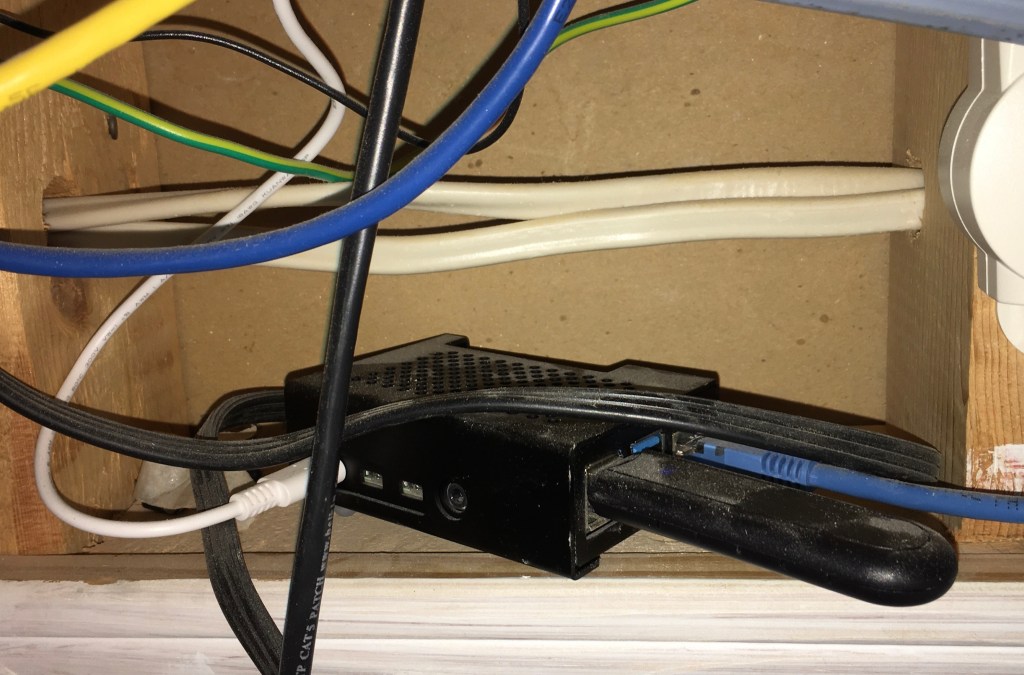
I use the Home Assistant software for my home automation hub. This is a fantastic open source package with many users and contributors from around the world. It runs on a Raspberry Pi 4 in “headless” mode, which means its connected to the network but has no keyboard, monitor, or mouse attached. Mine is stuffed into a nook in the basement, above a door, near the Ethernet switch. You’ll laugh when you see it:
Getting started was easy: download a file containing the software image, write this to an SD card, insert the SD card into the Raspberry Pi, connect Ethernet to the Pi, and then power up. After it has time to configure itself, you can access it from any web browser on your home network, using the address http://homeassistant.local:8123. From there you’ll configure everything using your browser.
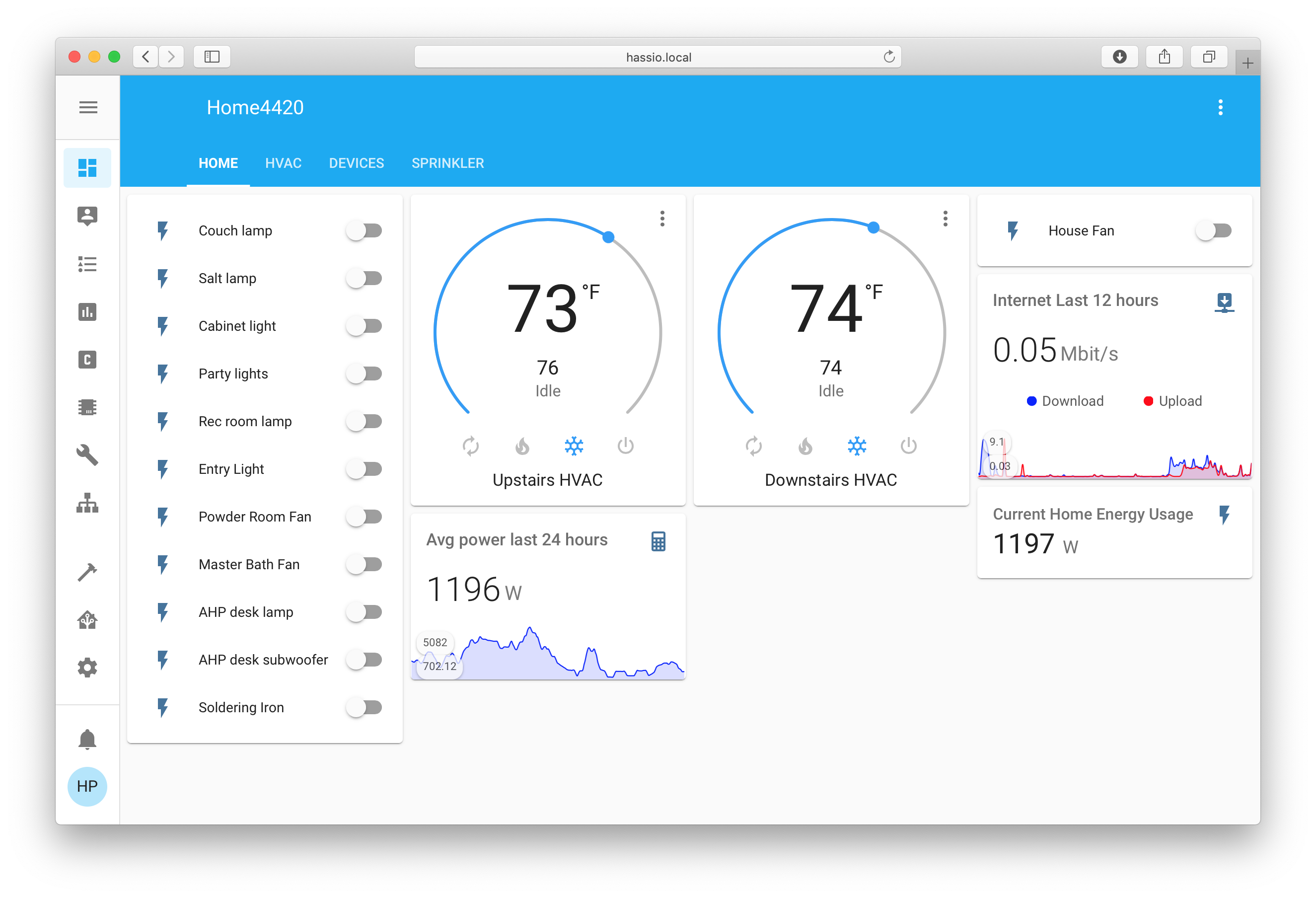
The Home Assistant frontend – i.e. what you see from your browser – is highly configurable. I’ll show you my main page to give an idea, but this is a relatively simplistic page compared with what other people have done with theirs.
Privacy
Most off-the-shelf home automation devices you buy are controlled from the cloud. If you use the app on your phone to turn on a light, that command goes to the cloud somewhere, is processed, and is relayed back down from the cloud to your device in your home. Doesn’t make much sense, does it? I’m not a big fan of this, because my lights in my home are my own business and nobody else needs to know about them. “You’re being petty,” you might say, “what harm could there be for the cloud to know you turned on a light?” Well, in my job I specialize in understanding information “leakage” from devices, and I know you can learn a lot about what’s going on inside a device from watching what leaks out. You’d be shocked at what could be inferred from peoples’ lighting habits, let alone all the other things we “leak” into the cloud. Home Assistant is built on the principle of local access – everything is done within the home network if possible, and there is no HA “cloud” scooping up all your activity. For me that’s a big part of the appeal.
Monitor – Control – Automate
These are the three main categories of any home automation: Monitor your home, Control devices, and set up Automations.
To me, creating a simple Monitor function using HA is a lot of fun. As an example I’ve learned a lot about how often the A/C runs and how hard the humidifier is working, after setting up monitoring for them. Home Assistant lets you easily make graphs and keep statistics.
For Control, HA is great because you can have smart devices from different vendors, but control them all the same way from the same web page. In our house we have Ikea, WeMo, and Zwave based switches that can all be controlled from the same place, in the same way, instead of using the individual app from each manufacturer.
In the area of Automation, we do have some simple scripts set up, for things like turning on the front porch lights when it gets dark, and HA is smart enough to use local sunset data to do this at the right time. We have a few other simple automations, and this is an area I’d like to explore further. However, at the same time I don’t want my house to go brain-dead if Home Assistant goes down (it isn’t perfect, and can have issues). So I’m reluctant to use Automations too extensively for really important things.
 howardpinder.com